
Lets integrate Powercli with powershell, So that our day to day tasks can be automated using powershell in efficient way.
1. Open your powershell and run below command. As a beginner i always recommend using powershell ISE.
Install-Module -Name vmware.powercli -scope CurrentUser
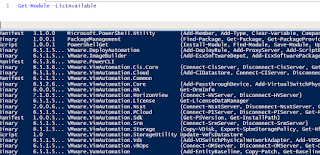
2. Run below command and make sure powercli module installed successfully.
Get-Module -ListAvailable
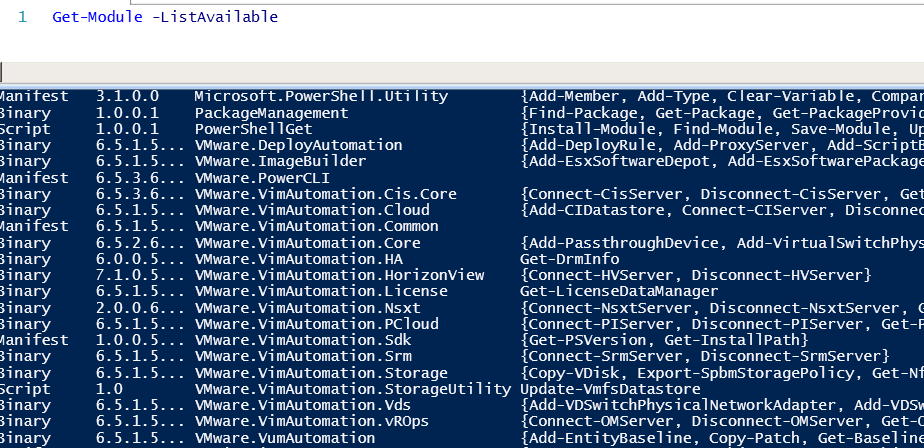
3. Now we are all set to manage vmware from Powershell.
ALL THE BEST for your Automation!!!